
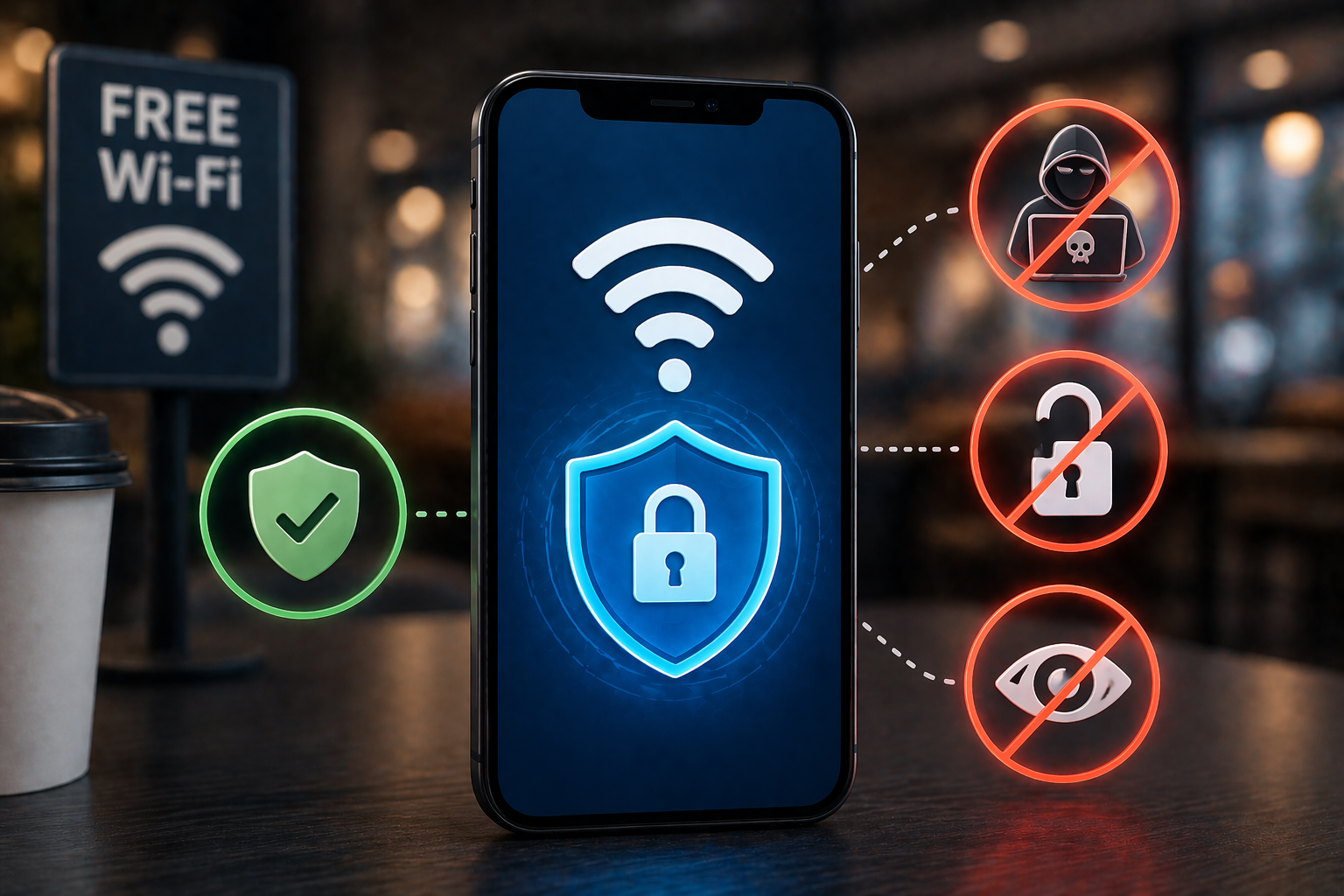
Coffee shops, airports, hotels, hospitals, shopping centers — free Wi-Fi has become as expected in public spaces as running water. Over a billion people connect to public Wi-Fi networks every day. Most connect without a second thought, often for good reason: modern encryption has made casual browsing on public networks substantially safer than it was a decade ago. The threat landscape, however, has not disappeared. It has evolved.
Understanding what is and is not genuinely risky on public Wi-Fi — based on how the attacks actually work, not on dramatized security warnings — allows you to use public networks intelligently rather than either ignoring risks entirely or avoiding them out of exaggerated caution.
The Reality of Modern Public Wi-Fi Risk
The threat most commonly cited in public Wi-Fi discussions is the “man in the middle” attack, where an attacker intercepts traffic flowing between your device and the internet. In the era before HTTPS was ubiquitous, this was a practical and serious threat — login credentials, browsing activity, and personal data traveled across networks in plain text that anyone with the right tools could read.
Today, the situation has changed significantly. HTTPS — the encrypted protocol indicated by the padlock icon in your browser’s address bar — encrypts all data traveling between your device and the website’s server. On any HTTPS site, a network-level attacker sees only encrypted data going to a domain name; they cannot read the content. According to Google’s transparency report, well over 90% of browsing traffic on Chrome is now over HTTPS. This substantially reduces the value of passive network sniffing on public Wi-Fi.
The risks that remain are different in nature — and in some ways more practical.
The Evil Twin Attack
The most actionable threat on public Wi-Fi today is the “evil twin” or rogue hotspot attack. An attacker creates a wireless network with a name identical or similar to a legitimate one — “Starbucks_Guest,” “Airport_Free_WiFi,” “Hotel_Lobby_Wifi” — and positions it in a location where people are likely to connect.
Because most devices automatically connect to networks with familiar names, or because users do not distinguish between the real network and the fake one, they connect to the attacker’s device. The attacker can then intercept any unencrypted traffic, redirect users to fake versions of websites to capture login credentials, or use the connection to deliver malware. This attack requires minimal technical expertise and can be executed with equipment costing less than $50.
The defense is simple: confirm the exact network name with staff before connecting, and treat any network whose legitimacy you cannot verify with appropriate caution for sensitive activities.
Unencrypted App Traffic
While most websites now use HTTPS, not all apps enforce encryption for all their traffic. Some older apps, poorly maintained applications, or apps sending background data transmit information in plain text that can be read on a compromised or monitored network. This is particularly relevant for apps that handle sensitive data — certain email clients, financial apps, or health applications.
You generally cannot tell which apps use full encryption without technical investigation. The conservative approach is to treat public Wi-Fi as potentially monitored and avoid sensitive transactions on it accordingly.
What Activities Are Safe — and What Are Not
Lower risk on public Wi-Fi (on networks you can reasonably verify):
Reading news websites, blogs, and informational content on HTTPS sites.
Browsing social media without entering payment information.
Streaming video content on major platforms.
General research and web browsing on HTTPS sites.
Higher risk on public Wi-Fi — consider waiting for a trusted network or using your phone’s cellular hotspot:
Logging into banking apps or websites and viewing account information.
Making purchases or entering credit card numbers.
Accessing work systems, VPNs, or sensitive company data.
Logging into accounts on networks you cannot verify as legitimate.
Accessing healthcare portals or any service containing sensitive personal records.
VPNs: What They Do, When They Help, and What to Avoid
A Virtual Private Network (VPN) creates an encrypted tunnel between your device and a VPN server, routing all your internet traffic through that tunnel. From the perspective of anyone monitoring the local network — including an evil twin attacker — they see only encrypted traffic going to the VPN server. The content of your activity is hidden.
A VPN effectively addresses most public Wi-Fi threats: it encrypts traffic from apps that might not encrypt it themselves, and it prevents network-level interception regardless of which sites you visit. For people who regularly work from cafes, travel frequently, or use public networks for sensitive tasks, a VPN subscription is a reasonable security investment.
However, not all VPNs are created equal — and some are actively harmful. Free VPN services are among the most dangerous privacy tools you can use. Multiple analyses of free VPN applications have found that they log user browsing data, inject advertisements into browsing sessions, or sell user data to third parties. In some cases, free VPNs have been operated by criminal organizations to harvest credentials.
Reputable paid VPN providers with audited no-log policies include Mullvad, ProtonVPN, and ExpressVPN. If you use a VPN, choose a paid service from a provider with a transparent privacy policy and independent security audits.
Practical Habits That Reduce Public Wi-Fi Risk Without a VPN
Even without a VPN, several straightforward habits significantly reduce your exposure:
Verify the network name with staff before connecting to any public Wi-Fi network.
Use your phone’s cellular hotspot for banking, purchases, or work access when no trusted network is available. Cellular data does not pass through a public network and is not subject to the same interception risks.
Disable the “automatically connect to open networks” setting on your phone and laptop. This prevents your device from silently connecting to networks you have not deliberately chosen.
Use a browser with HTTPS enforcement (Firefox and Brave enforce HTTPS by default in many modes) to ensure connections to sites you visit are encrypted.
Log out of sensitive accounts when using them on unfamiliar networks, rather than staying logged in through browser sessions.
Frequently Asked Questions
Q: Is hotel Wi-Fi safer than a coffee shop network?
A: Not necessarily. Hotel networks typically have better management than casual retail networks, but they are still shared with potentially hundreds of guests and are a known target for attacks against business travelers. The same precautions apply: avoid sensitive transactions without a VPN, and verify the network name with front desk staff rather than connecting to any network with “hotel” in the name.
Q: Does using HTTPS mean I’m completely safe on public Wi-Fi?
A: HTTPS provides strong protection for the content of your communications, but not complete safety. Your DNS queries (which reveal which sites you are visiting, though not their content) may still be observable on some networks. Evil twin attacks can intercept the initial connection before HTTPS is established if not properly handled. And some apps may bypass HTTPS for certain functions. HTTPS is a major protection but works best as part of a broader set of habits.
Q: Can my phone’s personal hotspot be intercepted the same way?
A: No. Your phone’s cellular hotspot transmits data over the cellular network between your phone and the carrier’s towers — not over local Wi-Fi in a way that nearby attackers can access. Other devices connecting to your hotspot through its Wi-Fi signal are protected by WPA2 or WPA3 encryption with your hotspot’s password, which is under your control. Using your hotspot for sensitive activities is substantially safer than using public Wi-Fi.
