
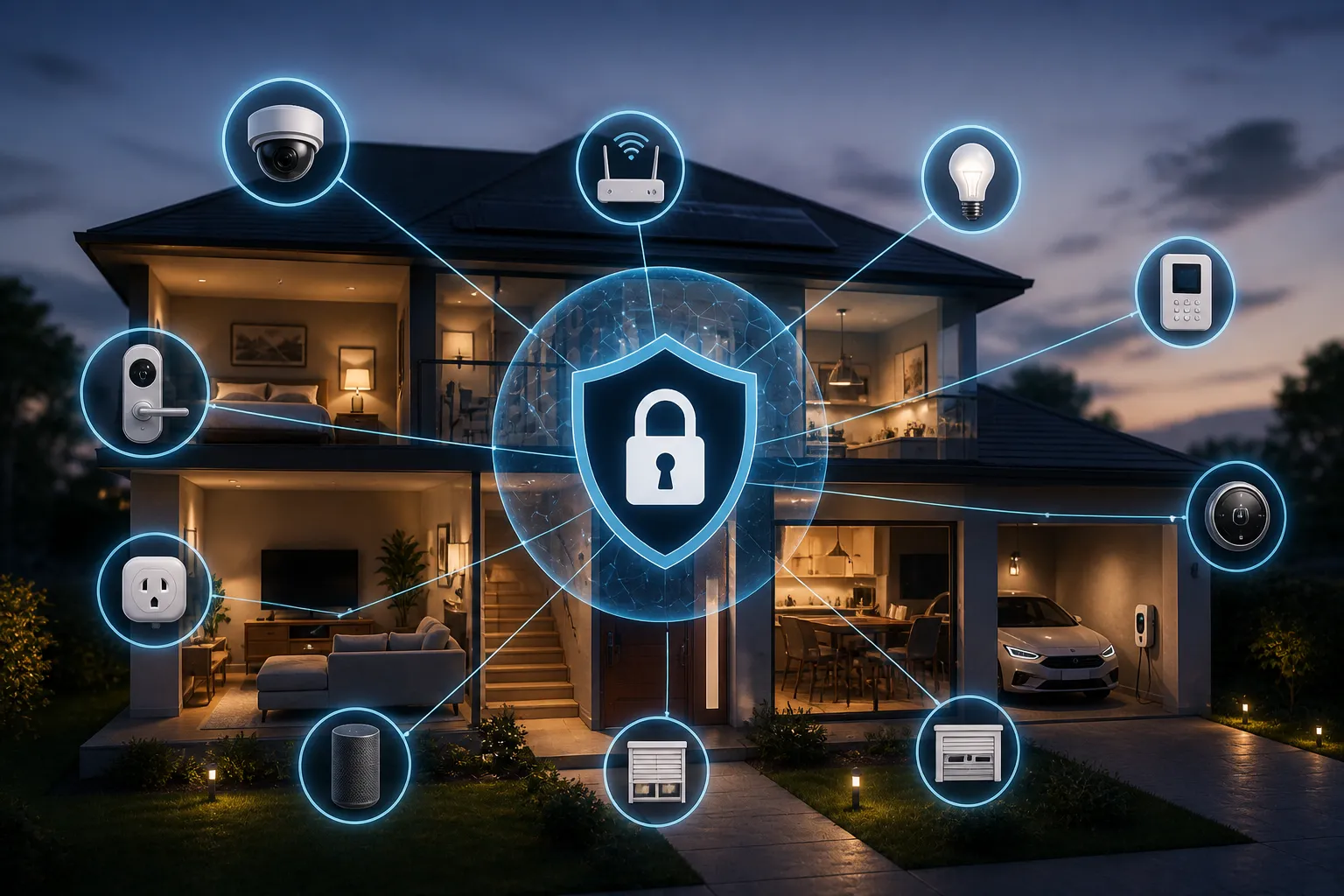
The average household now has 22 connected devices. Smart TVs, voice assistants, security cameras, thermostats, baby monitors, smart doorbells, light bulbs, plugs, robot vacuums, game consoles, and appliances — all of them connected to the internet, all of them running software, and many of them running software that has never been updated since the day they were purchased.
According to Bitdefender’s 2025 IoT Threat Report, home networks now face an average of 29 attack attempts per day — nearly three times more than in 2024. Bitdefender’s security technologies block 12 million threats daily across monitored connected homes worldwide. In August 2024, thousands of consumers reported unauthorized access to their smart home devices including locks, cameras, and thermostats, with hackers exploiting weak passwords and default settings. In a 2024 incident, a discount smart doorbell was discovered to have an app secretly transmitting users’ Wi-Fi passwords to a foreign server.
The uncomfortable reality is that smart home devices are, as a category, among the least secure internet-connected technology most people own. They are designed primarily for convenience and cost efficiency, with security as a secondary consideration. Unlike a laptop that receives regular operating system updates and runs security software, most IoT devices receive infrequent or no updates, cannot run traditional security tools, and are connected to the internet around the clock with no one monitoring them. Understanding the specific risks and the practical steps to address them is increasingly important as the number of these devices in our homes continues to grow.
Why Smart Home Devices Are Attractive Targets
IoT devices are targeted by attackers for two primary purposes, both distinct from the attacks that target computers and phones:
Botnet recruitment is the most common motivation. Compromised IoT devices are recruited into botnets — large networks of infected machines used collectively to conduct distributed denial-of-service attacks, send spam, or mine cryptocurrency. Because home IoT devices are always on, have persistent internet connections, and have essentially no monitoring or security software, they make ideal botnet nodes. In 2025, a massive 22.2 terabit-per-second DDoS attack — one of the largest ever recorded — was traced back to compromised home routers demonstrating the scale of damage that can flow from ordinary household devices.
Surveillance and data collection is the second major motivation. Security cameras, baby monitors, smart TVs with microphones, and voice assistants all have the capability to observe and record what happens inside your home. When these devices are compromised, an attacker has essentially planted a surveillance device in your living room, bedroom, or nursery. Reports of compromised baby monitors with attackers speaking to children through the device are not hypothetical — they have been documented multiple times and caused significant distress to families who discovered the breach.
A less common but potentially more damaging motivation is using compromised IoT devices as a pivot point to access other devices on the same home network. Once an attacker controls a smart TV or security camera on your network, they may be able to scan for and reach more valuable targets: your laptop, your phone, a network-attached storage device containing your files. This lateral movement attack is why network segmentation — separating IoT devices from your main devices on the network — is one of the most recommended security measures.
The Specific Vulnerabilities Most IoT Devices Share
Understanding why IoT devices are vulnerable helps prioritize which fixes matter most:
Default credentials are the most exploited vulnerability in the IoT space. Most IoT devices ship with a factory-set administrator username and password — often something like “admin/admin” or “admin/1234” — that is publicly documented in the device manual and widely available online. According to Nozomi Networks’ 2025 analysis of real-world IoT environments, 5.27% of all detected attacks directly exploit default credentials to gain access. An attacker does not need to find or exploit a software vulnerability if the device’s front door is simply standing open with the factory lock still in place.
Infrequent or absent firmware updates leave known vulnerabilities permanently unpatched. Approximately 60% of IoT-related breaches involve unpatched firmware according to security research. Unlike a smartphone that prompts you when an update is available, most IoT devices require you to manually check the manufacturer’s website for firmware updates. Many manufacturers stop releasing updates after a few years — or never release them at all. A device that cannot receive security updates becomes permanently vulnerable to any flaw discovered after its last supported firmware version.
Insecure network services expose unnecessary entry points. Many IoT devices run network services that are not needed for normal operation but that an attacker can use to gain access. UPnP (Universal Plug and Play) is a common example — it allows devices to automatically configure network access, which is convenient but can be exploited to expose devices to the internet. Telnet access, which transmits credentials in plain text, is another common unnecessary service found on IoT devices.
Weak or absent encryption means data transmitted by some devices can be intercepted in transit. Your security camera footage, voice assistant commands, or smart lock status traveling over an unencrypted connection can be captured by anyone with the right tools on the same network.
How to Secure Your Smart Home: A Practical Approach
The security improvements for smart home devices follow a clear priority order, with the highest-impact changes first:
Change default credentials on every device immediately after setup. This single step addresses the most commonly exploited vulnerability. Log into the administration interface of each IoT device — the app, the web interface, or both — and change the default username and password to something strong and unique. The password should be at least 12 characters and not reused across devices. For devices that do not allow credential changes (some very cheap devices have hardcoded, unchangeable credentials), treat them as permanently compromised and consider replacing them with devices from reputable manufacturers.
Create a separate network for IoT devices. As discussed in our home network security guide, most modern routers support creating a guest network or a separate VLAN. Place all IoT devices on this isolated network, separate from the network your computers, phones, and tablets use. This means that if any IoT device is compromised, the attacker cannot reach your personal devices from it. The setup takes about 10 minutes and provides a meaningful security boundary.
Keep firmware updated on all devices. For each smart home device you own, look up whether the manufacturer releases firmware updates and how to apply them. For many devices, this is done through the companion app — look for a firmware update or device update option in settings. For others, it requires logging into a web interface. Enable automatic updates where available. Set a reminder to manually check for updates quarterly for devices that do not update automatically.
For security cameras specifically, choose established brands with a documented security track record. Security cameras have the highest potential for harm if compromised because they provide direct visual and audio access to your home. Avoid the cheapest options from unknown manufacturers, which are disproportionately represented in security incidents. Research the brand before purchasing — look for documentation of their update practices, security disclosures, and response to past vulnerabilities.
Disable UPnP on your router unless you specifically need it. UPnP is a protocol that allows devices on your network to automatically configure port forwarding, which can inadvertently expose IoT devices to the internet. Log into your router’s admin interface, find the UPnP setting (usually under Advanced or Network settings), and disable it. Most home networks function normally without it.
Review which devices genuinely need to be connected to the internet. Not every device that can be connected to the internet needs to be. A smart light bulb that works fine locally does not need external connectivity. Devices with internet access have more attack surface than devices without it. For any device whose internet connectivity does not provide meaningful benefit to your daily use, consider whether it needs to be connected at all.
Evaluating Devices Before You Buy
Security decisions are significantly easier to make before a device is purchased than after. A few minutes of research before buying can prevent years of vulnerability:
Check the manufacturer’s update history. Before purchasing any smart home device, search for the brand name plus “firmware updates” or “security updates.” A manufacturer that has released regular updates over multiple years is demonstrating a security commitment. A manufacturer with no update history, or whose last update was years ago, is demonstrating the opposite.
Look for security certifications. In the United States, the FCC’s Cyber Trust Mark program (launched in 2024) allows IoT manufacturers to display a certification seal on products that meet baseline security requirements. In the United Kingdom, the Product Security and Telecommunications Infrastructure Act requires consumer IoT devices to meet specific security standards including prohibition on default passwords. Look for these marks when purchasing.
Avoid the cheapest options in high-sensitivity categories. Price and security are not perfectly correlated, but in the IoT space, deeply discounted devices from unknown manufacturers are disproportionately likely to have security shortcuts: hardcoded passwords, no update infrastructure, insecure communication protocols, or even malicious code. For security cameras, smart locks, baby monitors, and any device with access to your home’s audio or video, investing in established brands is a meaningful security decision.
Search for the specific device model plus “security” or “vulnerability” before purchasing. If a device has known security issues, they will often appear in news coverage, security research publications, or consumer reviews. A few minutes of searching can reveal whether a device you are considering has a documented history of security problems.
Smart Speakers and Voice Assistants: A Specific Consideration
Smart speakers (Amazon Echo, Google Nest, Apple HomePod) deserve specific attention because they are always-on microphones in your home. They are designed to listen continuously for their wake word, which means they are capturing audio in your living space at all times.
The privacy implications are distinct from security vulnerabilities: even functioning exactly as intended, these devices transmit voice commands to cloud servers, where they are processed and often retained. Amazon, Google, and Apple have all experienced incidents where voice recordings were reviewed by human employees as part of quality assurance processes. Users have the option to review and delete their voice history in the companion apps, and to limit data retention — these settings are worth configuring if you use these devices.
From a security perspective, smart speakers have been used in research demonstrations to be triggered by ultrasonic commands inaudible to humans, allowing unauthorized device control. While these attacks require physical proximity and specialized equipment, the research demonstrates that the attack surface of always-on audio devices is broader than it initially appears.
If you use smart speakers in your home, place them in rooms where sensitive conversations are less likely to occur, configure data retention settings through the companion app, and review your voice history periodically.
Frequently Asked Questions
Q: My smart TV keeps asking for permission to collect viewing data. Should I allow it?
A: Smart TVs collect Automatic Content Recognition (ACR) data — information about what you watch, which can be sold to advertisers. This collection happens even when you are watching content from an external device like a streaming stick. You can usually disable ACR in the TV’s settings under Privacy or Data Collection options. The exact path varies by manufacturer but is worth finding and disabling if you prefer not to have your viewing habits tracked and sold.
Q: A friend told me my robot vacuum maps my house and sends the data to a server. Is that true?
A: For robot vacuums with mapping features, yes — the mapping data is typically transmitted to the manufacturer’s servers to enable app features and improve navigation algorithms. Some manufacturers have received scrutiny for how this data is stored and who has access to it. If this concerns you, check the privacy policy of your specific vacuum brand, look for data sharing opt-out settings in the companion app, and consider whether the mapping functionality is worth the data trade-off.
Q: I have a smart lock. How do I know if it is secure?
A: Smart lock security varies significantly by manufacturer and model. Key considerations: Does it use end-to-end encrypted communication? Does the manufacturer have a documented history of releasing security updates? Can you change the default credentials? Does it have a physical key override as a backup? Research your specific model’s security track record before trusting it as your primary door lock. For high-security applications, major brands with documented security practices (Schlage, Yale, August from ASSA ABLOY) are preferable to discount options.
Q: I discovered an old, unsupported IoT device on my network. What should I do?
A: A device that no longer receives firmware updates is permanently vulnerable to any security flaw discovered after its last update. Your options are: replace it with a supported device, physically disconnect it from the internet (some devices function locally without internet connectivity), or isolate it on a separate network with no ability to reach your other devices. Continuing to use an unsupported IoT device on the same network as your computers and phones is a persistent security risk that grows over time as new vulnerabilities are discovered and published.
